
Do Not Want To Use Your Original Email ID?
Use Disposable Email Services Instead
In today’s digital world, almost every website asks for your email address. Whether you want to download an eBook, register for a webinar, access free tools, post a comment, or simply browse certain content, the first requirement is often your email ID. While this may seem harmless, sharing your primary email address everywhere can expose you to unnecessary risks.
From spam messages and promotional overload to phishing attempts and malware links, your inbox can quickly become cluttered and unsafe. This is where disposable email IDs come into play. Using a temporary or burner email address can help you maintain privacy, reduce spam, and stay protected from various cyber threats.
In this detailed guide, we will explore why you should avoid using your original email ID for random registrations and how disposable email services like Guerrilla Mail, 10 Minute Mail, and Temp Mail can help you stay secure online.
Why You Should Avoid Using Your Primary Email Everywhere
Your primary email address is often linked to many important accounts—banking, social media, cloud storage, educational platforms, and work-related services. If this email address falls into the wrong hands, the consequences can be serious.
Let’s look at some common risks:
1. Spam Overload
Once you enter your email ID on a website, you may start receiving promotional emails. Even if the website itself is legitimate, your email might be shared with third-party advertisers. Over time, your inbox becomes filled with newsletters, offers, and irrelevant marketing emails.
2. Phishing Attacks
Cybercriminals frequently use email as a tool for phishing. They send fake emails that appear to come from trusted companies, tricking users into clicking malicious links or revealing personal information.
3. Data Breaches
Many websites store user data. If a website suffers a data breach, your email ID may be leaked or sold on the dark web. Hackers often use leaked emails to attempt password resets or targeted attacks.
4. Malware Distribution
Spam emails may contain attachments or links that install harmful software on your device. This can lead to identity theft, data loss, or system damage.
5. Loss of Privacy
When your main email ID is linked to multiple services, it becomes easier for companies to track your online activities and build a data profile about you.
Because of these risks, it is not advisable to use your original email ID for every random registration or one-time sign-up.
What Is a Disposable Email ID?
A disposable email ID, also known as a temporary or burner email address, is an email address that you can use for a short period of time. It allows you to:
- Receive emails
- Send emails (in some services)
- Complete registrations
- Verify accounts
The key feature is that the email address automatically expires after a certain time or can be discarded whenever you want. This ensures your real email ID remains private and protected.
When Should You Use a Disposable Email?
Disposable email services are useful in many situations, such as:
- Signing up for a website you are not sure about
- Downloading free resources
- Testing a service
- Accessing trial offers
- Participating in online forums
- Avoiding marketing emails
However, you should not use disposable email IDs for:
- Banking services
- Government portals
- Important business accounts
- Educational platforms where long-term access is needed
Disposable emails are best suited for temporary or low-risk interactions.
Best Disposable Email Services
There are many free and paid temporary email providers available online. Below are some popular and reliable options.
1. Guerrilla Mail
Guerrilla Mail is one of the most well-known disposable email services available today. It is powered by an open-source project and is completely free to use.

Key Features:
- No registration required
- No personal information needed
- Instant temporary email generation
- Option to send and receive emails
- Email address can be customized
- Messages are automatically deleted after a certain time
You do not need to provide your real email ID, phone number, or any personal details. Simply visit the website, and a temporary email address will be generated automatically.
This service is especially useful when you need to verify an account quickly but do not want to expose your primary email address.
2. 10 Minute Mail
As the name suggests, 10 Minute Mail provides a temporary email address that expires in 10 minutes. It is simple, fast, and user-friendly.
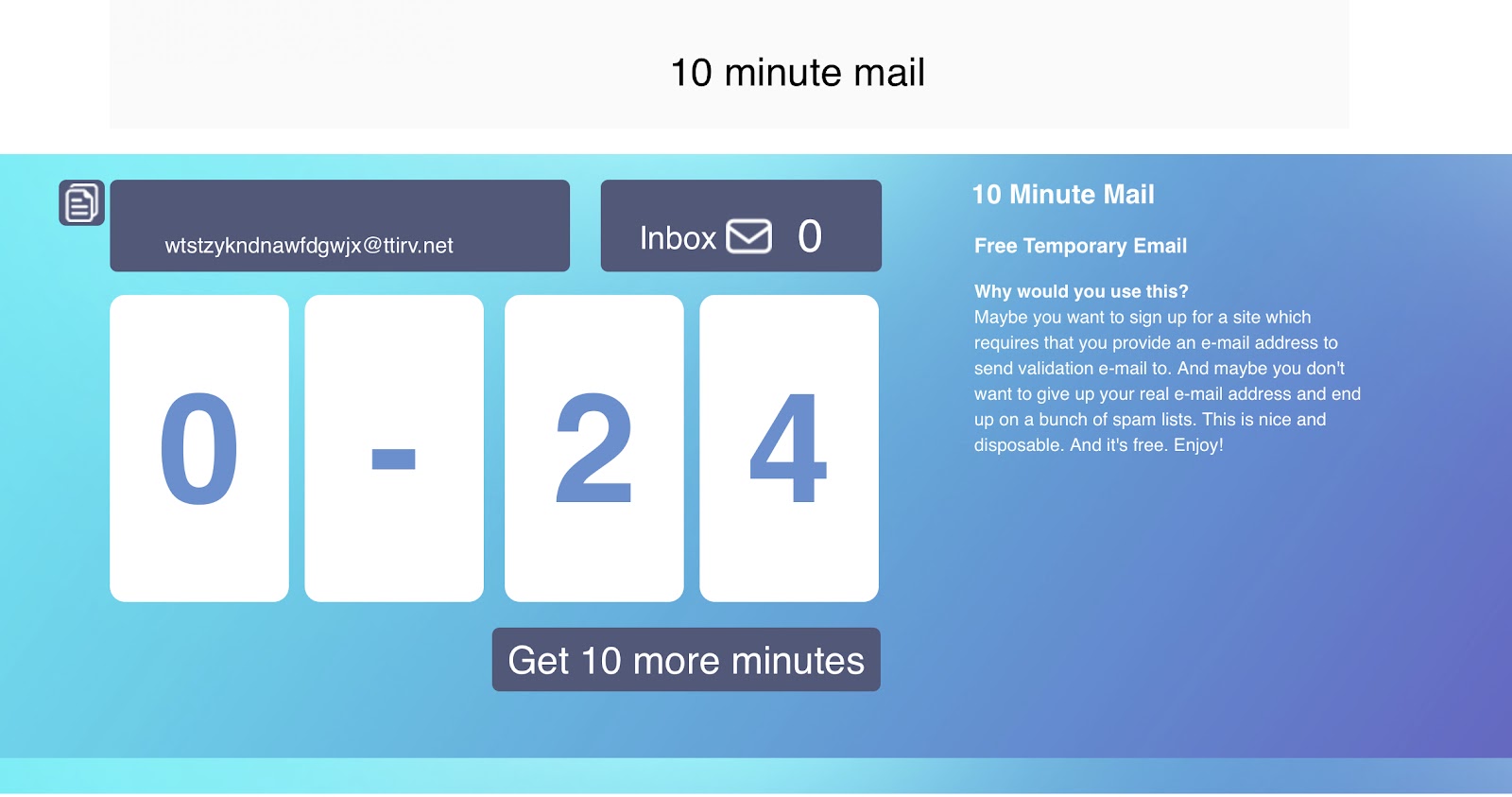
How It Works:
- Open your browser.
- Visit the 10 Minute Mail website.
- A temporary email address is automatically generated.
- Use it for registration or email verification.
After 10 minutes, the email address automatically expires. In some cases, you can extend the time if needed.
Benefits:
- No sign-up required
- Instant email generation
- Auto-expiry for extra security
- Easy-to-use interface
This service is ideal for quick, one-time verifications.
3. Temp Mail
Temp Mail is another popular disposable email provider that offers temporary email addresses in just one click.
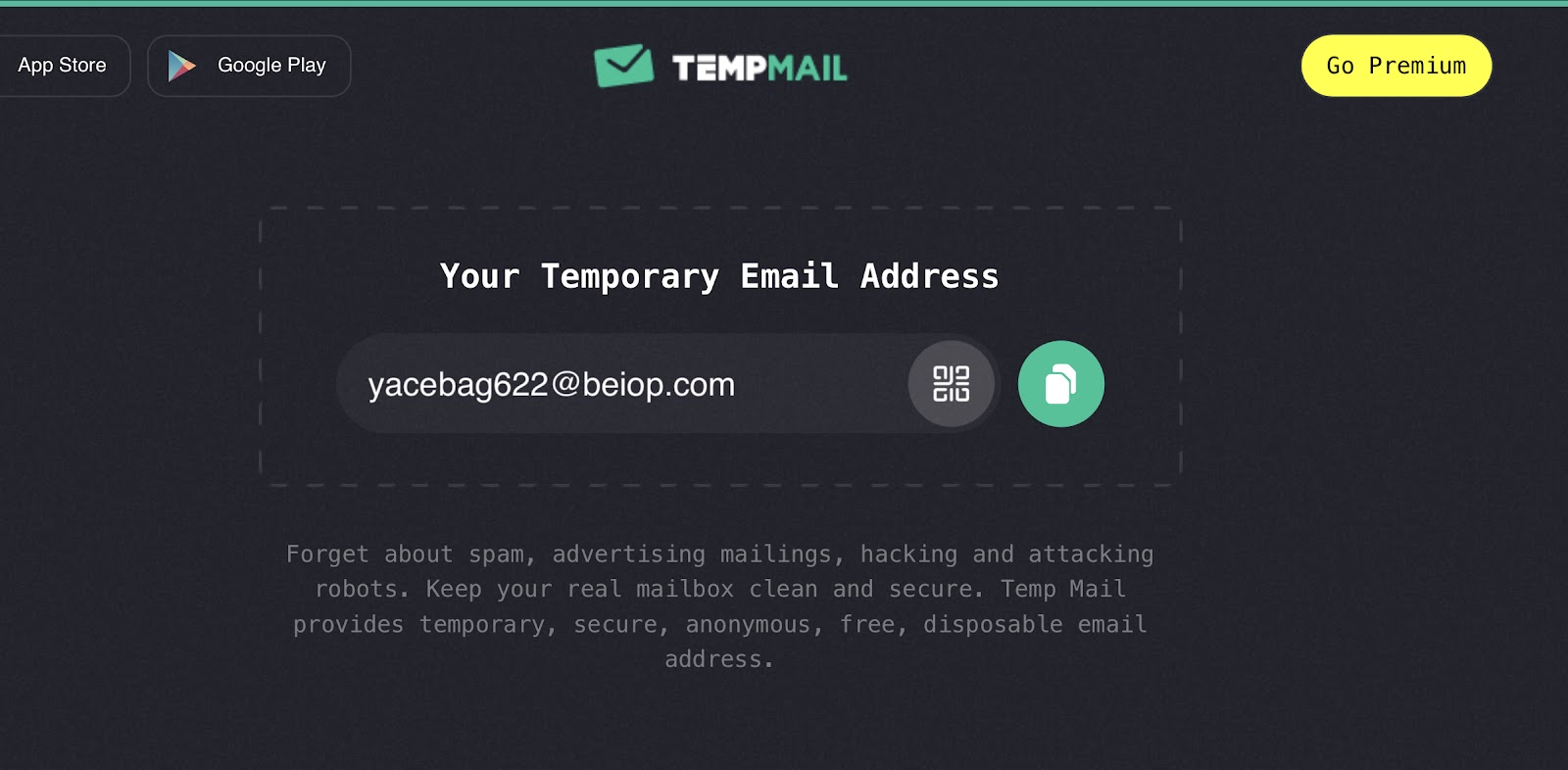
Features:
- Instant email address creation
- No registration needed
- Mobile-friendly interface
- Free to use
- Works for verification emails
It provides a clean interface and is widely used for short-term registrations and trial access.
Free vs Paid Disposable Email Services
While most disposable email services are free, some providers offer premium versions with additional features such as:
- Custom domain names
- Longer email retention
- Multiple inboxes
- Ad-free experience
Free versions are generally sufficient for basic use. However, if you require advanced privacy features, a paid option may be beneficial.
Advantages of Using Disposable Email IDs
Let’s summarize the main benefits:
1. Spam Protection
Your main inbox remains clean and organized.
2. Privacy Protection
Your original email address stays confidential.
3. Reduced Risk of Cyber Attacks
Even if the temporary email is compromised, your primary email remains safe.
4. Quick and Easy Access
No need for lengthy sign-ups or identity verification.
5. Better Inbox Management
You can control which services get access to your real email address.
Limitations of Disposable Emails
While disposable emails are helpful, they do have some limitations:
- Some websites block temporary email domains.
- Emails are deleted after a short time.
- Not suitable for long-term communication.
- Limited storage and features.
Therefore, they should be used wisely and only for temporary purposes.
Modern Disposable & Privacy-Focused Email Services
Over time, more advanced and privacy-focused email solutionhave emerged. These are not just temporary inboxes — they are full privacy tools.
1. SimpleLogin
SimpleLogin is a modern email aliasing service. Instead of giving a fake inbox, it creates an alias that forwards emails to your real inbox.
Why It’s Better:
- You can disable an alias anytime
- Emails forward to your real account
- You never expose your actual email
- Supports custom domains
- Open-source platform
If a website starts spamming you, simply deactivate that alias.
2. AnonAddy
AnonAddy works similarly to SimpleLogin.
Features:
- Unlimited aliases (depending on plan)
- Open-source
- Strong privacy focus
- Custom domains available
It is ideal for professionals who want long-term control over email exposure.
Firefox Relay is developed by Mozilla.
Advantages:
- Email masks (aliases)
- Spam filtering
- Easy integration with browsers
- Privacy-focused ecosystem
It is a trusted option for users who prefer privacy tools backed by established organizations.
4. Proton Mail
(with Hide My Email)
Proton Mail now offers an advanced email alias feature called “Hide My Email.”
Why It Stands Out:
- End-to-end encryption
- Privacy-first infrastructure
- Email masking feature
- Swiss-based privacy laws
It combines secure email with disposable alias functionality.
Temporary Email vs Email Aliasing – What’s the Difference?
There are two main types of disposable solutions today:
1. Pure Temporary Email (Short-Term)
- Expires automatically
- Inbox deleted after some time
- No recovery option
- Best for quick use
Examples:
- Guerrilla Mail
- 10 Minute Mail
- Temp Mail
2. Email Aliasing (Long-Term Control)
- Forwards to your real inbox
- Can be turned off anytime
- Better for subscription control
- More professional
Examples:
- SimpleLogin
- AnonAddy
- Firefox Relay
- Proton Mail aliases
If you run a blog or online business, aliasing is usually a better long-term solution.
Why Disposable Emails Are More Relevant Now
Several trends have made disposable emails even more important:
1. Aggressive Data Collection
Companies now collect user behavior data across multiple platforms.
2. AI-Based Spam Campaigns
Spam emails are now more personalized and harder to detect.
3. Data Leaks Are Common
Even trusted websites have suffered breaches.
4. Increased Phishing Sophistication
Emails now mimic real brands perfectly.
Because of this, many privacy-conscious users now maintain:
- One primary email (banking & important accounts)
- One secondary email (shopping & subscriptions)
- Multiple disposable aliases (for random signups)
Best Practices for Online Email Safety
Using a disposable email is a smart step, but you can further improve your email security by following these best practices:
- Use strong and unique passwords.
- Enable two-factor authentication (2FA).
- Avoid clicking suspicious links.
- Regularly update your software and antivirus.
- Do not share personal information unnecessarily.
By combining these habits with disposable email usage, you significantly reduce your exposure to cyber threats.
Final Thoughts
In an era where data privacy is becoming increasingly important, protecting your primary email address is essential. Sharing your original email ID with every website can lead to spam, phishing attacks, and data breaches.
Disposable email services like Guerrilla Mail, 10 Minute Mail, and Temp Mail provide a simple yet effective solution. They allow you to register, verify, and access online services without risking your personal inbox.
There are many free and paid temporary email services available across the web that provide burner email addresses. Choosing the right one depends on your needs—whether you require quick verification or slightly longer temporary access.
By making disposable email IDs a part of your digital safety strategy, you can maintain privacy, reduce spam, and enjoy a safer online experience.
Protect your inbox. Protect your identity. Use disposable emails wisely.